
Create projects and subprojects, then move between structure, schedule, files, ownership, and automation without losing context.
Inside the module
See the working surface, step by step.
Use the controls to inspect the current application interface. Any arrow or step selection stops the automatic tour and leaves your chosen screenshot in place.


What it covers
Focused functions. Shared project truth.
The module has a clear operating boundary while remaining connected to the people, agents, automation, and evidence around it.
-

Projects and subprojects
Create objectives, phases, status, stack profile, planned artifacts, and linked subprojects; attach, detach, or reconnect hierarchy relationships.
-
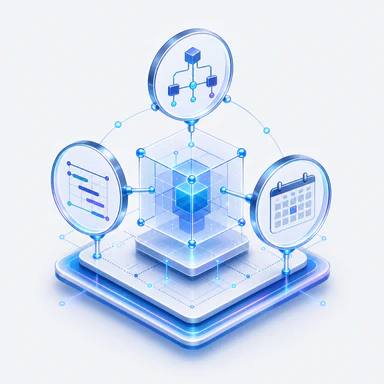
One model, several views
Use the structure canvas, Gantt, calendar, portfolio, and hierarchy as coordinated views of the same project state.
-

Typed project structure
Create tasks, milestones, delivery blocks, files, resources, processes, and workflows; update links, dependencies, priority, progress, status, markers, and parentage.
-

Files with honest boundaries
Browse and preview project files, then edit supported text formats only when storage is writable, authorized, and revision-aware.
-

People and automation assignments
Assign customers, managers, reviewers, team members, AI agents, processes, or workflows at project or work-item level.
-

Contextual planning agents
Agents can inspect the current project and, with explicit permission, create projects, subprojects, tasks, dependencies, assets, or broader structure.
How it connects
The project graph is the coordination surface.
CRM / HR supplies people and capacity. Agents add governed expertise. Processes define accountable delivery. Workflows automate bounded action. Their assignments, runs, artifacts, approvals, and evidence return to the project that authorized the work.