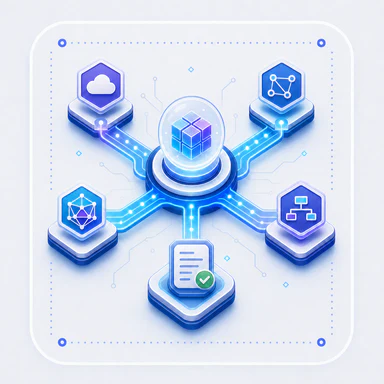
Canonical model prices
Maintain input, cached-input, cache-write, output, and long-context rates per provider model. If no canonical price exists, the observation stays explicitly unknown.

Setup · 02
Choose where data lives, how credentials are protected, which model drivers may run, and how their cost is attributed.
Open Settings
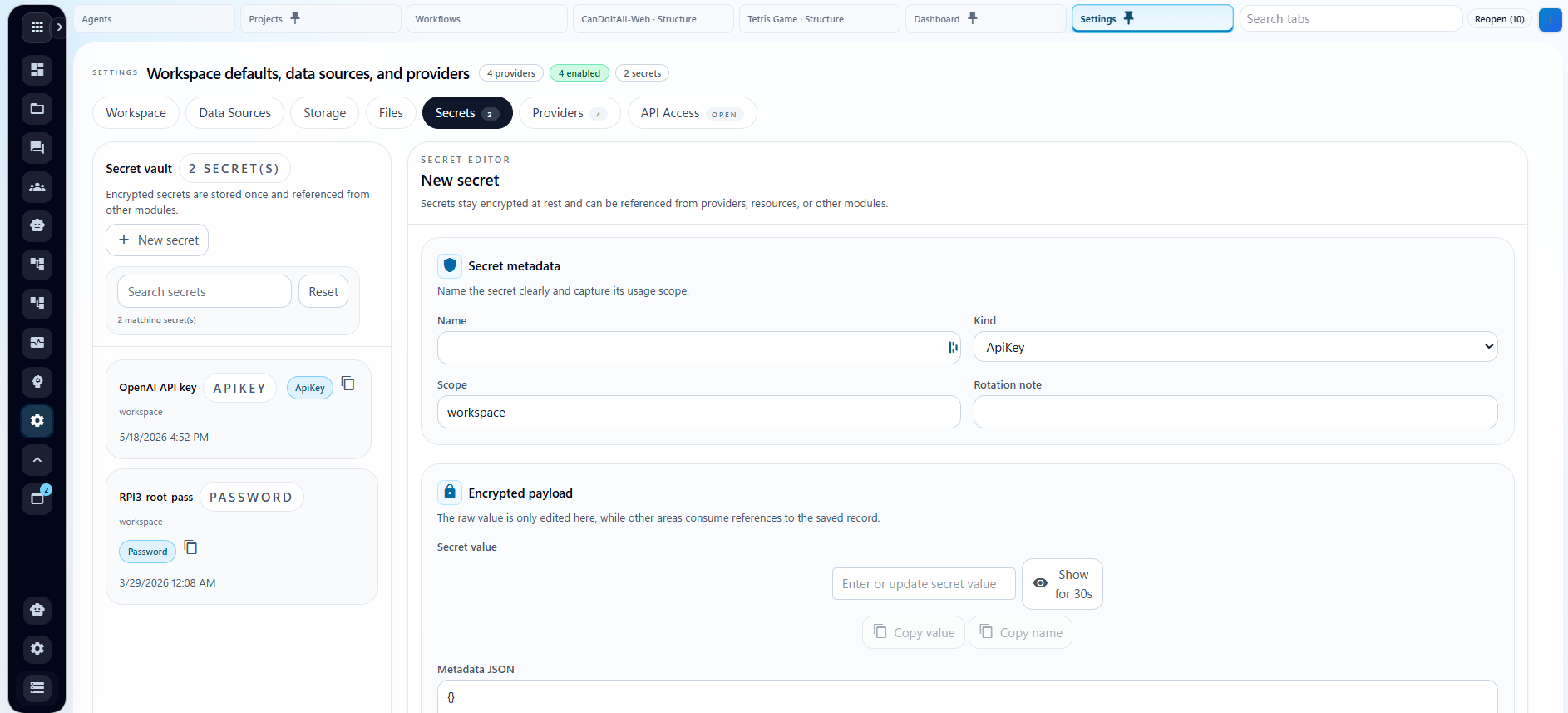
Open /settings on your running CanDoItAll instance. The workspace separates data sources, storage, secrets, providers, and API access so each boundary can be tested deliberately.
Create or edit a PostgreSQL profile with its workspace root, host, port, database, administrator database, username, password, and certificate policy. Test the connection, create an empty database or apply the current schema, then activate the profile for the next restart.
Configure file-system, IPFS, or FTP storage providers with a managed credential reference, endpoint or root, read-only policy, and connection test. Choose defaults for project assets, evidence, recordings, snapshots, release packages, and deployment mirrors.
Create API keys, passwords, and integration credentials in Settings > Secrets instead of placing plaintext in provider records. With the automatic vault on Windows, CanDoItAll uses DPAPI current-user protection: the encrypted payload can be decrypted only under the same Windows account, values stay masked by default, and the database keeps metadata plus a vault reference. For a local Windows installation, this is the recommended place for provider API keys.
Set the base URL, default model, timeout, capabilities, health behavior, and pricing. Select the saved API-key secret in the provider Access tab. If an editor exposes “API key environment variable or secret reference,” provide either a stored reference such as secret:<id>, or an environment-variable name such as OPENAI_API_KEY when credentials are managed outside the app. The runtime resolves stored values server-side without saving plaintext in the provider profile.
Choose a verified provider and model for each technical agent, then grant only the project, process, workspace, tool, and stored-secret references that role requires.
Create a project, attach an agent, preview a workflow or process, and confirm the resulting event history, artifacts, token observations, and known or unknown cost before scaling the setup.
Secret to agent
Provider identity alone is not enough. Verify the endpoint, record the model economics, protect the credential, and bind only the agents that should use it.
Enterprise cost control
Cost reporting is useful only when it preserves both the technical source and the business reason for the spend.
Maintain input, cached-input, cache-write, output, and long-context rates per provider model. If no canonical price exists, the observation stays explicitly unknown.
Prefer provider-reported cost when available; otherwise calculate from observed tokens and the configured canonical price without inventing missing usage.
Review known cost, token volume, elapsed time, tool use, and failures by provider, model, agent, workflow or process, and the project that authorized the work.
Continue into the system
Start with one provider, one agent, and one bounded workflow or process. Expand only after access, outputs, and cost reporting behave as expected.